You have a great idea for a mobile app. You want your app to be available on both iPhones (iOS) and Android devices like Samsung, Oppo, Xiaomi, etc. But when you start looking into it, you realize a harsh truth:
To do it the traditional way, you have to learn Swift/Objective-C for iOS and Kotlin/Java for Android. Having to learn two programming languages, work in two different environments, and maintain two separate source codebases is a nightmare in terms of both time and cost.
That's when React Native and Expo step in as saviors. Welcome to the first article in the series on conquering Mobile programming!
1. What is React Native and why does it "dominate"?
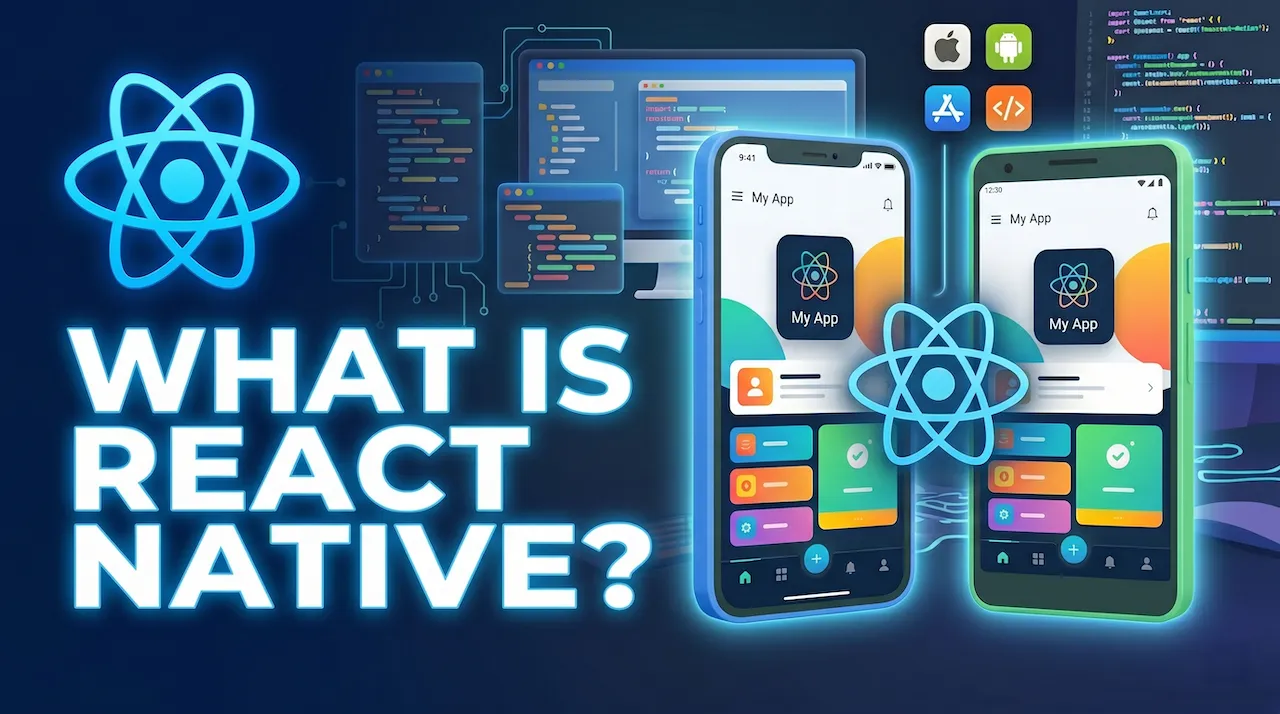
React Native is an open-source framework created by Facebook (Meta). It allows you to build real mobile apps for both iOS and Android using only JavaScript and the React library.
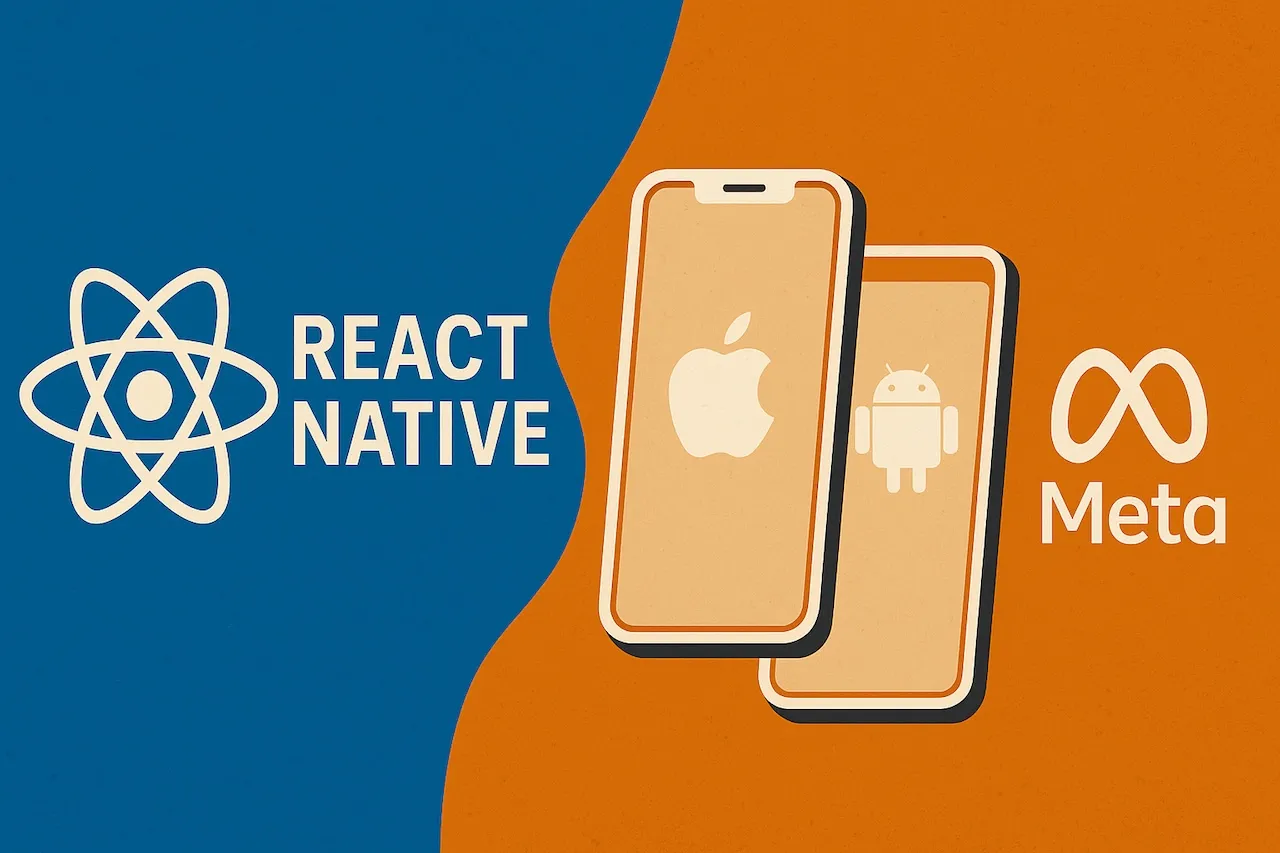
The core philosophy of React Native is not "Write once, run anywhere", but rather:
"Learn once, write anywhere".
How does a React Native app work?
Unlike hybrid web app creation tools like Cordova or Ionic—where your app is essentially just a website embedded in a miniature browser—React Native renders the actual Native UI components of the operating system.
When you write code in JavaScript, React Native uses a mechanism (formerly called Bridge, currently being upgraded to the new JSI architecture) to communicate with the operating system. When you write a <Text> tag in your code, React Native automatically translates it to UITextView on iOS and TextView on Android.
The result: Your application has an interface and performance almost equivalent to applications written in native languages.
Who is using React Native?
If you're wondering if React Native is powerful enough for real-world projects, take a look at the list of "tech giants" using it:
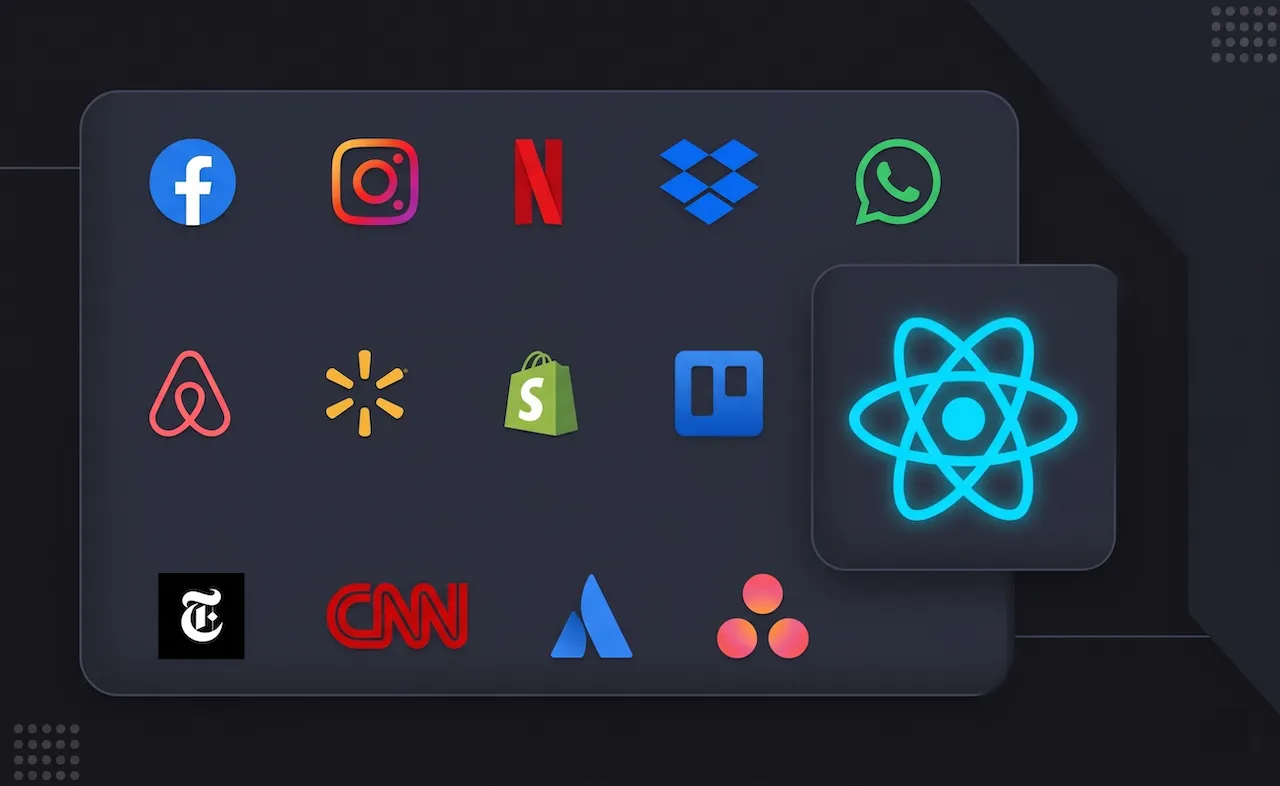
- Facebook & Instagram
- Discord
- Skype
- Uber Eats
2. The "nightmare" called React Native CLI
Although React Native is amazing, if you start a project the traditional way (called React Native CLI), you'll quickly hit a major roadblock: Environment setup.
To run a simple "Hello World" text on a phone screen using React Native CLI, you have to:
- Install Node.js and JDK.
- Download and configure Android Studio (weighing tens of GBs), setting up complicated environment variables.
- If you want to make an iOS app, you must have a Mac computer, install Xcode and CocoaPods.
- Face "red screens" of errors right from the first time you build the app.
This complexity has discouraged many beginners. And that's why Expo was born.
3. Expo reigns supreme: The "magic" that saves developers
Expo is a framework and a platform built around React Native. If React Native is the car's engine, Expo is the fully assembled car, filled with gas, equipped with air conditioning and a navigation system—you just get in and drive.
Why choose Expo?
- Code instantly, no complex setup needed: With the Expo Go app downloaded from the App Store or Google Play, you can run the app you're coding on your computer directly on your real phone just by scanning a QR code. No need to configure Android Studio or Xcode!
- Make iOS apps without a Mac: Thanks to Expo's cloud build system (EAS Build), you can use a Windows computer to write code and have Expo's servers package it into an iOS app.
- Massive SDK ecosystem: Need to use the Camera? Maps? GPS location? Barcode scanning? Or Push Notifications? Expo has all of this built into their SDK, highly optimized and incredibly easy to install.
- Over-The-Air (OTA) updates: Discovered a typo or an urgent bug after your app is already on the App Store? With Expo, you can push bug-fix updates directly to users' phones in seconds without waiting for Apple or Google to review it again.
4. Quick comparison: React Native CLI vs Expo
To give you the most comprehensive overview, check out the comparison table below:
| Criteria | React Native (CLI) | Expo |
|---|---|---|
| Initial setup difficulty | Very difficult, many minor errors | Extremely easy, scan QR and run |
| Development environment | Requires Android Studio & Xcode | Only requires Node.js and a phone |
| Mac computer requirement | Mandatory (to build iOS) | Not mandatory (thanks to EAS Build) |
| Device feature integration | Must find libraries and configure Native yourself | Built-in Expo SDK, installed with 1 command line |
| Suitable for | Projects with existing Native code (Java/Swift) | 99% of new projects, from learners to enterprises |
Nowadays, even the official React Native documentation recommends developers to start new projects with Expo.
Conclusion: React Native is a powerful tool
React Native is a powerful tool that lets you write code once and run it on both iOS and Android. And Expo is the "ultimate weapon" that helps you eliminate all complex technical barriers, focusing 100% on creating the UI and logic for the application.
In this article, we've grasped the big picture. In the next article, we will officially get our hands dirty installing the necessary tools and writing the first lines of code. Get your smartphone ready, because the magic is about to begin!